


How Industrial Screen Printers Work
You see industrial screen printers transform how you print textiles and specialty materials. Automated machines, like those from cnding, use advanced technology for high-speed, precise operations. Computer-to-screen systems and direct-to-screen setups boost accuracy and reduce preparation time. With these innovations, you achieve consistent quality and minimize waste. The table below shows how adopting modern screen printing technology changes production:
| Impact Area | Description |
|---|---|
| Production Speed | Enhanced speed due to automation and advanced technologies. |
| Waste Reduction | Significant reduction in waste, promoting sustainable practices. |
| Quality Improvement | Improved quality through greater accuracy and consistency in printing. |
Screen Printers Works with efficiency and reliability, helping you meet demanding production goals.
Screen Printers Works
Automated Printing Workflow
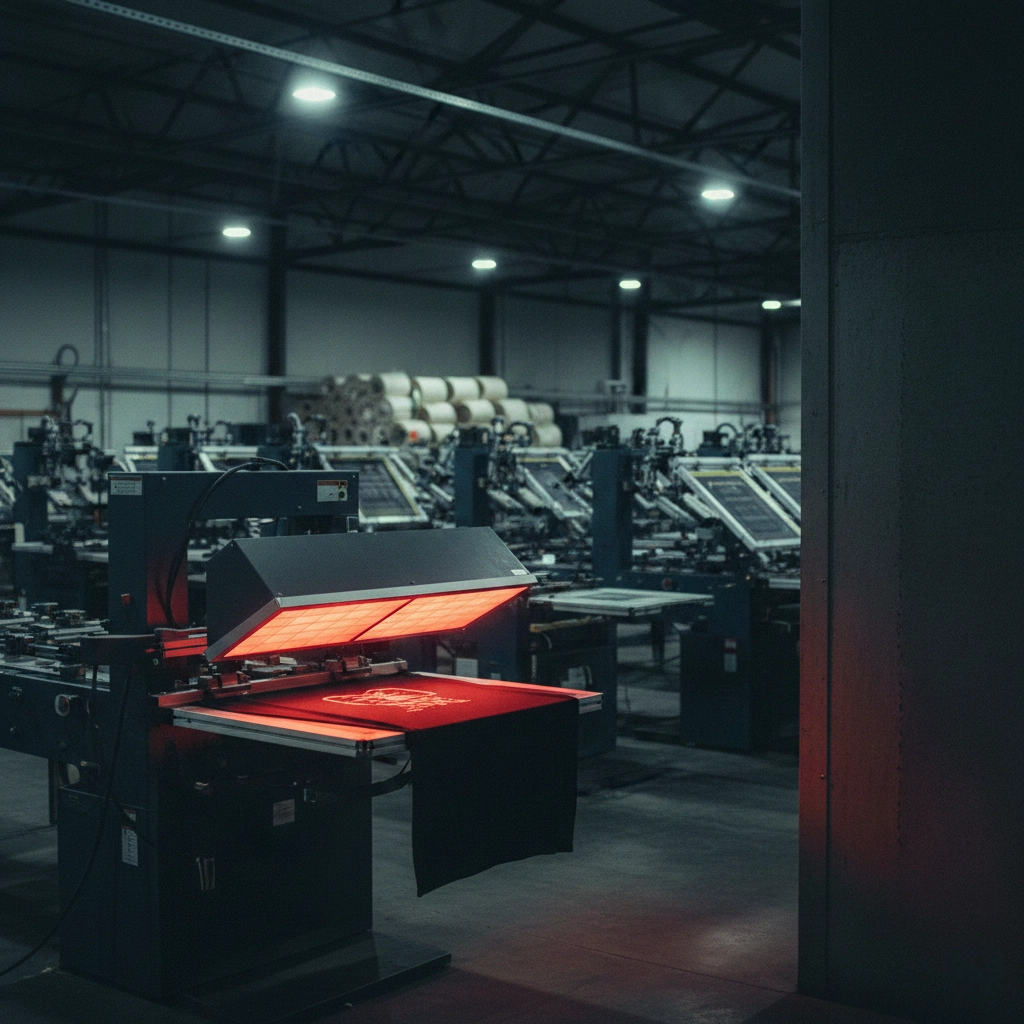
You see how Screen Printers Works when you step into a modern production facility. Industrial screen printers use automated systems to handle every stage of the printing process. Machines control the workflow, from loading materials to applying ink and curing the final product. You benefit from computerized machine control, job scheduling, and tracking. These features help you manage large orders with ease.
Automation lets you operate machines continuously. You print more items in less time and reduce manual errors. This means you deliver consistent quality and meet tight deadlines. You also save on labor costs because machines do most of the work. You can rely on integration with modern production lines, CCD vision systems, robotic arms, and conveyor systems. These technologies keep your workflow smooth and efficient.
You choose between semi-automatic and fully automatic printing machines. Fully automatic models, like those from cnding, run around the clock. You increase productivity and handle high-volume orders without worrying about operator fatigue. You see how Screen Printers Works to boost your output and improve customer satisfaction.
Key Features Of Industrial Printers
Precision And Speed
Industrial screen printers give you unmatched precision and speed. You use machines with smart servo drive systems and advanced controls. These features let you print detailed designs with perfect alignment. You see registration accuracy down to 0.01mm, which means every print looks sharp and professional.
You notice how Screen Printers Works to reduce errors. Automated processes minimize human mistakes and keep quality consistent across large batches. Closed-loop color control systems measure color directly on the press and adjust ink densities automatically. You maintain color accuracy and avoid drift during long print runs.
You also benefit from faster production speeds. Machines operate continuously, so you complete orders quickly. You handle larger jobs and meet customer demands with ease. You see how automation increases throughput and lowers costs.
Multi-Color Capability
You need multi-color capability for complex designs. Industrial printers, especially those from cnding, offer flexible configurations. You set up machines with 6 to 24 color stations. Each station works independently, so you print intricate patterns without alignment issues.
You use modular designs to expand your setup as your business grows. Quick-release systems let you change plates fast, saving time during production. You rely on advanced features like 4D positioning compensation and intelligent temperature control. These tools help you achieve consistent results, even with challenging materials.
You see how Screen Printers Works to support a wide range of printing techniques. You print on textiles, shoes, specialty fabrics, and more. Automated systems ensure every color registers perfectly, giving you vibrant and accurate prints.
| Feature | Benefit |
|---|---|
| Servo Drive System | High precision and stable operation |
| Modular Color Stations | Flexible expansion and quick setup |
| Closed-Loop Color | Consistent color accuracy |
| Automated Workflow | Faster production and reduced errors |
You experience the advantages of industrial screen printers every day. You deliver high-quality products, reduce waste, and grow your business with reliable technology. Cnding leads the way with innovative solutions that make your printing process smarter and more efficient.
Screen Printing Steps
Design Preparation
You start the screen printing process by preparing your design. You use digital tools to create artwork with sharp lines and clear details. Modern technology lets you transfer your design directly to the screen, skipping old methods like film positives. Laser-to-screen systems give you unmatched accuracy. You see how this step sets the foundation for every print.
Laser-to-screen technology zaps away the old ways. You go straight from digital to screen with laser precision. This method brings detail and sharpness to a whole new level.
You follow a clear workflow to make sure nothing gets missed:
- Generate your design using graphic software.
- Print the design onto a transparent acetate film if needed.
- Choose the right mesh screen based on your design and material.
- Outline all steps, including materials, ink colors, and printing parameters.
You notice that a well-prepared design leads to fewer mistakes and better results. You save time and resources by planning every detail before you start printing.
Screen Setup
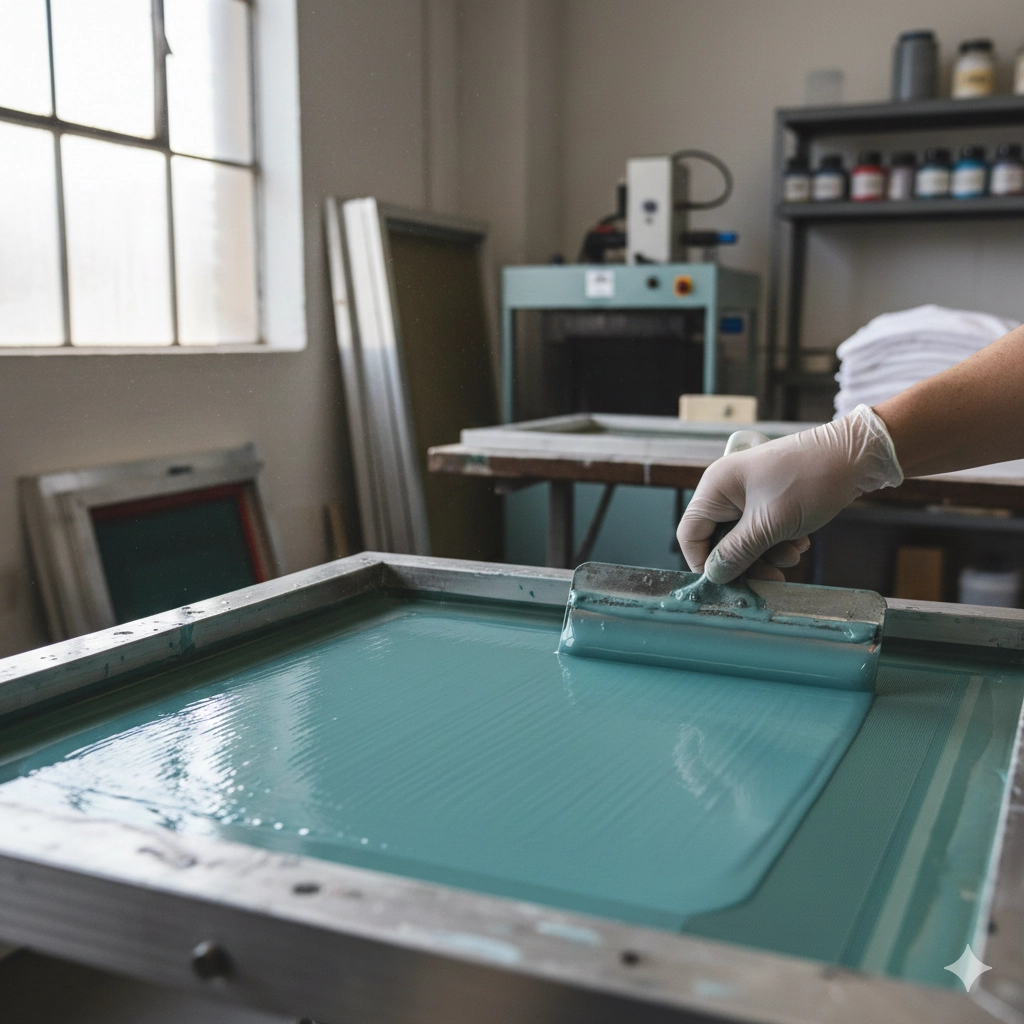
You move to screen setup after your design is ready. You select a mesh screen that matches your design’s complexity and the texture of your material. You stretch the mesh tightly over a frame to keep it flat and stable. You coat the screen with a light-reactive emulsion, preparing it for exposure.
You use high-quality pin-registration systems to align your screens. This step helps you achieve accurate prints and reduces the need for adjustments later. You set up procedures so your team can work together and reduce downtime between runs.
- Proper screen setup ensures precise registration. You prevent misalignment and improve print accuracy.
- Consistent ink coverage gives you vibrant colors and avoids patchiness.
- The mesh count you choose affects the detail and clarity of your print.
- The curing process depends on your setup and impacts the durability of your final product.
You see how Screen Printers Works to make this step efficient and reliable. You follow proven procedures to boost quality and productivity.
Emulsion And Exposure
You apply emulsion to your screen to create a stencil for your design. You use either liquid emulsion or advanced emulsion sheets. Emulsion sheets offer a cleaner and simpler alternative, letting you apply them directly to the screen. This method streamlines preparation and supports high-detail prints.
You place your design (on acetate film or digitally) over the emulsion-coated screen. You expose the screen to bright UV light. The light hardens the emulsion in non-image areas, creating a precise negative of your artwork. You rinse away the unhardened emulsion, leaving a clear imprint of your design.
- Proper exposure is essential for sharp and detailed prints.
- Underexposed emulsion can lead to fragile stencils that break down quickly.
- Overexposed emulsion may be hard to wash out and can block the screen.
- Factors like emulsion type, stencil thickness, UV light intensity, and exposure time affect your results.
Recent advancements in computer-to-screen (CTS) technology let you synchronize design software with mesh preparation systems. You benefit from faster and more accurate imaging. Enhanced automation means you spend less time on setup and get better results.
You see how these steps prepare your screen for printing. You set the stage for vibrant, durable prints with every detail in place.
Stencil Creation
You create a stencil to transfer your design onto the material. This step uses high-quality materials to ensure precision and durability. Most industrial screen printers use a wire mesh because it offers strength and versatility for repeated use.
To make a stencil, you follow a series of steps:
- Start with a black and white design. The black areas show where ink will pass through.
- Print your design onto a transparent film. This film acts as a positive for the next stage.
- Coat the screen printing mesh with a light-sensitive emulsion.
- Dry the emulsion-covered screen in a dark room. This prevents unwanted exposure.
- Place the film positive on the coated screen and expose it to UV light. The light hardens the emulsion in the exposed areas.
- Rinse the screen with water. The non-exposed emulsion washes away, leaving your design as a stencil.
- Inspect the stencil for flaws. Touch up any small gaps with extra emulsion if needed.
Tip: Use black and white design materials, transparent film, light-sensitive emulsion, and a durable mesh for best results.
A well-made stencil ensures sharp, clean prints and supports high-volume production. You see how Screen Printers Works to make this process efficient and reliable.
Registration And Alignment
You need perfect registration and alignment for multi-color printing. Each color layer must line up exactly to avoid blurry or distorted images. You use registration marks on each film or vellum to help with this process.
Follow these best practices for accurate alignment:
- Add registration marks to every film or vellum sheet.
- Center the film with registration marks on the screen or exposure unit.
- Align the screen with the film on the pallet and secure it partially.
- Line up all screens using the registration marks on each color layer.
- Fully secure the registered screens with clamps.
- Double-check the alignment and make any needed adjustments.
- Run a test print to confirm everything lines up before starting full production.
| Issue | Impact on Printing Quality |
|---|---|
| Misalignment of 10-50 microns | Visible defects at color boundaries, compromising aesthetic quality and dimensional accuracy |
Registration controls help you achieve precise alignment for each color. Incorrect alignment can distort text, images, or patterns. Many modern systems use high-speed cameras and image analysis to monitor and confirm alignment during production.
Ink Application
You choose the right ink for your project based on the material and desired effect. Industrial screen printing uses several types of ink:
- Plastisol ink: Thick, durable, and provides clear graphic detail. It is the most common choice.
- Water-based ink: Soaks into fabric, creating a soft feel and eco-friendly finish.
- Discharge ink: Removes fabric color and replaces it with pigment for a vintage look.
- UV ink: Dries instantly under UV light and works well on non-porous surfaces.
- Solvent ink: Offers excellent adhesion and vibrant colors on many materials.
- Silicone ink: Used for textiles and rubber, providing durability and bright colors.
The way you apply ink affects the durability of your prints. You use a squeegee to push ink through the stencil onto the material. The pressure and angle of the squeegee, as well as the type of mesh, all play a role in the final result.
Note: Proper ink application ensures even coverage and strong adhesion. This step is key for long-lasting, high-quality prints.
Screen Printers Works by combining the right stencil, perfect alignment, and proper ink application. These steps help you achieve professional results every time.
Curing And Finishing
After you apply ink to your material, you need to cure the print. Curing means you use heat or other methods to set the ink. This step locks the design into the fabric or surface. If you skip proper curing, your prints may crack, fade, or wash out quickly. You want your products to last, so curing is essential.
You have several curing methods to choose from in industrial screen printing:
- Flash Dryer: You hold this dryer above the print for a set time. It works well for quick jobs and spot curing. Flash dryers do not suit water-based inks unless you add special chemicals.
- Conveyor Dryer: You use this for high-volume orders. You place your printed items on a moving belt. The dryer heats them as they pass through. Conveyor dryers can cure water-based inks if they have good air flow. This method lets you work fast and focus on other tasks.
- Kiln Firing: You use a kiln to cure inks on glass or ceramic surfaces. This method gives you strong, permanent prints. Not every shop has access to a kiln, but it is the best choice for certain materials.
- Heat Guns: You use a heat gun for small jobs or special surfaces like wood. You must move the gun carefully to avoid burning the material.
Tip: Always check the ink manufacturer’s instructions for the right curing temperature and time. Using the wrong settings can ruin your print.
Curing technology affects both the speed of your production and the quality of your prints. The table below shows how different printing processes benefit from advanced curing methods:
| Printing Process | Impact on Print Quality | Impact on Production Speed |
|---|---|---|
| Label Printing | Enhanced color vibrancy and reduced ink dot gain | Faster turnaround times and ability to print on various substrates |
| Flexographic Printing | Sharp graphics and vibrant colors | Higher press speeds and excellent ink transfer |
| Offset Printing | Sharper images and better color consistency | Immediate handling of sheets, reducing bottlenecks |
| Narrow Web Printing | Significant improvements in speed and efficiency | High throughput with instant curing |
Once you finish curing, you move to the final steps. You inspect each print for quality. You trim, fold, or package the items as needed. You may add extra finishes, such as heat pressing or special coatings, to improve durability or appearance.
Note: Proper finishing ensures your products look professional and last longer. You build a reputation for quality when you pay attention to these details.
You see that curing and finishing are not just the last steps—they are what make your prints strong, bright, and ready for the real world.
Screen Printing Machine
H9PRO Series Full-Servo Oval Printing Machine
You want a machine that delivers both speed and accuracy. The H9PRO Series Full-Servo Oval Printing Machine gives you both. This advanced printer uses a full-servo control system. You get precise movement and stable operation, even during long production runs. The dual servo motors allow for 360° control, so you can handle complex designs with ease.
You can choose from 6 to 24 color stations. This modular design lets you expand your setup as your business grows. The H9PRO Series works well with many types of fabrics, including cotton and polyester blends. You can print on apparel, shoes, and specialty materials.
The energy-saving servo motors help you cut power use by up to 30%. This means you save money on electricity, especially during high-volume jobs. The user-friendly touchscreen interface makes operation simple. Even if you are new to screen printing, you can learn quickly.
Here is a quick look at the main features:
| Feature | Description |
|---|---|
| Modular Design | Supports 6 to 24 color stations, allowing for scalability as business grows. |
| Energy Efficiency | Energy-saving servo motors reduce power consumption by 30% during high-volume runs. |
| Versatility | Compatible with various fabrics, including cotton and polyester blends. |
Tip: The H9PRO Series helps you boost productivity and lower costs. You can handle large orders without sacrificing quality.
NB Plus Oval Screen Printer Machine
You need a machine that keeps your workflow smooth and efficient. The NB Plus Oval Screen Printer Machine does just that. It offers precision printing with an accuracy of ±0.01mm. You get sharp details and clear text on every print.
This machine uses a stable servo drive system. You experience steady operation, even when you run the printer all day. The NB Plus is built for high-volume production. You can trust it to keep working with minimal downtime.
You will notice several ways this machine improves your workflow:
- The advanced features streamline the printing process, leading to faster setups.
- You enhance print quality, ensuring that fine details and tiny text are reproduced clearly.
- The reduction in material waste contributes to cost savings on consumables.
- The modular design allows you to expand from 6 to 24 color stations as your needs grow.
- The quick-release system makes plate changes fast and easy.
Note: The NB Plus Oval Screen Printer Machine helps you save time and money. You can take on more jobs and deliver consistent results.
H8 Frequency Conversion Silk Printing Machine
You want a machine that combines power with efficiency. The H8 Frequency Conversion Silk Printing Machine uses advanced frequency conversion technology. This feature reduces energy use by 30%. You get more prints for less power.
You can expand the H8 from 6 to 24 color stations. This flexibility lets you adjust your setup as your business changes. The split design separates the screen frame movement from the squeegee operation. You avoid color misalignment and get perfect registration every time.
Here is how the H8 compares to other machines:
| Feature | H8 Silk Printing Machine | Competitors |
|---|---|---|
| Energy Consumption | 13.6 kW | Higher |
| Airflow | 1100 L/min | Lower |
| Efficiency Improvement | 30% higher | N/A |
You also benefit from a strong aluminum-magnesium alloy platform. This material resists bending and keeps your prints flat and sharp. The H8 works well for large-format jobs, including ceramics, glass, metal, and PCBs.
- The frequency conversion drive reduces energy use by 30%.
- You can expand the machine as your business grows.
- The split design ensures flawless color alignment.
Tip: The H8 Frequency Conversion Silk Printing Machine gives you reliable, high-quality prints while keeping energy costs low.
Auxiliary Equipment
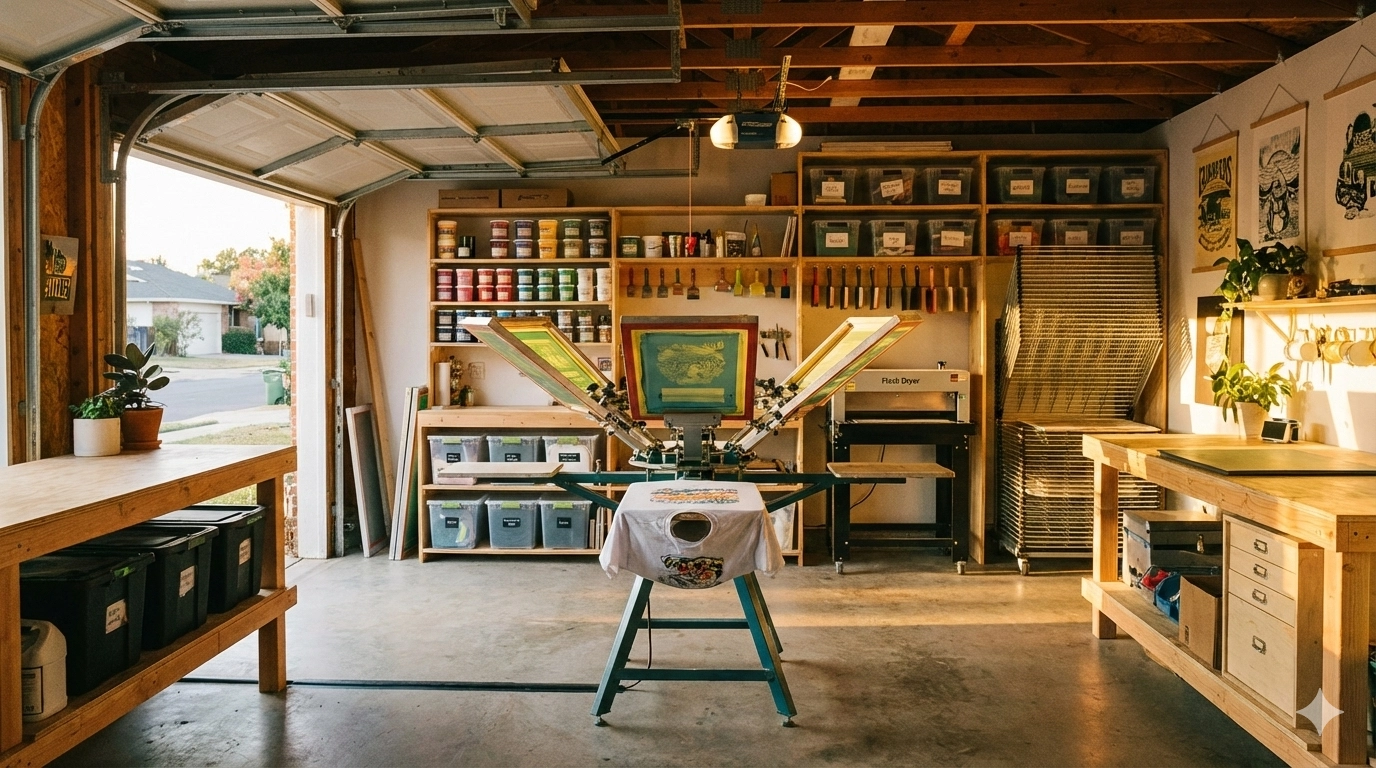
You rely on more than just the main printing machines to run a successful industrial screen printing operation. Auxiliary equipment supports every stage of your workflow, helping you achieve consistent results and maintain high productivity. You use these tools to prepare screens, manage ink, cure prints, and finish products.
You start with pre-press equipment. You use a computer with design software to create artwork. You print films for screen exposure. You select screens and coat them with emulsion. Drying racks help you cure the emulsion before exposure. You use an exposure unit to transfer your design onto the screen. A washout station lets you rinse away excess emulsion, revealing the stencil.
You move to screen printing equipment. You load ink into the press. You use squeegees to push ink through the stencil onto your substrate. You choose substrates like fabric, glass, or metal based on your project. A flash cure unit helps you set ink between color layers, preventing smudges and improving registration.
You finish with post-press equipment. You use a conveyor dryer to cure prints quickly and evenly. A heat sensor monitors temperature, ensuring proper curing and preventing damage. You gather packaging materials to protect finished products during shipping and storage.
Tip: You keep your workspace organized by storing screens, inks, and tools in dedicated areas. This practice reduces downtime and helps you work efficiently.
Here is a quick overview of essential auxiliary equipment:
- Pre-Press Equipment
- Computer with design software
- Printer and film
- Screens
- Emulsion
- Drying racks
- Exposure unit
- Washout station
- Screen Printing Equipment
- Press
- Ink
- Squeegees
- Substrates
- Flash cure unit
- Post-Press Equipment
- Conveyor dryer
- Heat sensor
- Packaging materials
You see how each piece of auxiliary equipment plays a vital role. You prepare screens with precision, apply ink smoothly, and cure prints for durability. You use these tools to support your main printing machines and deliver professional results every time.
Note: Investing in quality auxiliary equipment helps you reduce errors, speed up production, and maintain high standards in your screen printing business.
Automation And Efficiency
Workflow Optimization
You improve your screen printing results by optimizing your workflow. Automation helps you streamline each step, making your process faster and more reliable. When you use automated machines, you reduce errors and avoid unnecessary reprints. You finish jobs quicker and keep your customers happy.
- You streamline processes to cut down on mistakes. Fewer errors mean less wasted material and faster turnaround.
- You integrate systems and automate repetitive tasks. This lets your team focus on quality control instead of manual checks.
- You track how jobs move through your shop. This helps you spot friction points and fix them, boosting efficiency.
- You standardize steps but keep your process flexible. You make smart decisions without being stuck in rigid routines.
- You use automation to speed up repetitive tasks. Your team can then focus on complex adjustments that need expert attention.
Tip: When you optimize your workflow, you spend less time fixing problems and more time producing high-quality prints.
Reducing Defects
You want every print to look perfect. Reducing defects is key to maintaining high standards in industrial screen printing. You follow proven strategies to keep your prints consistent and sharp.
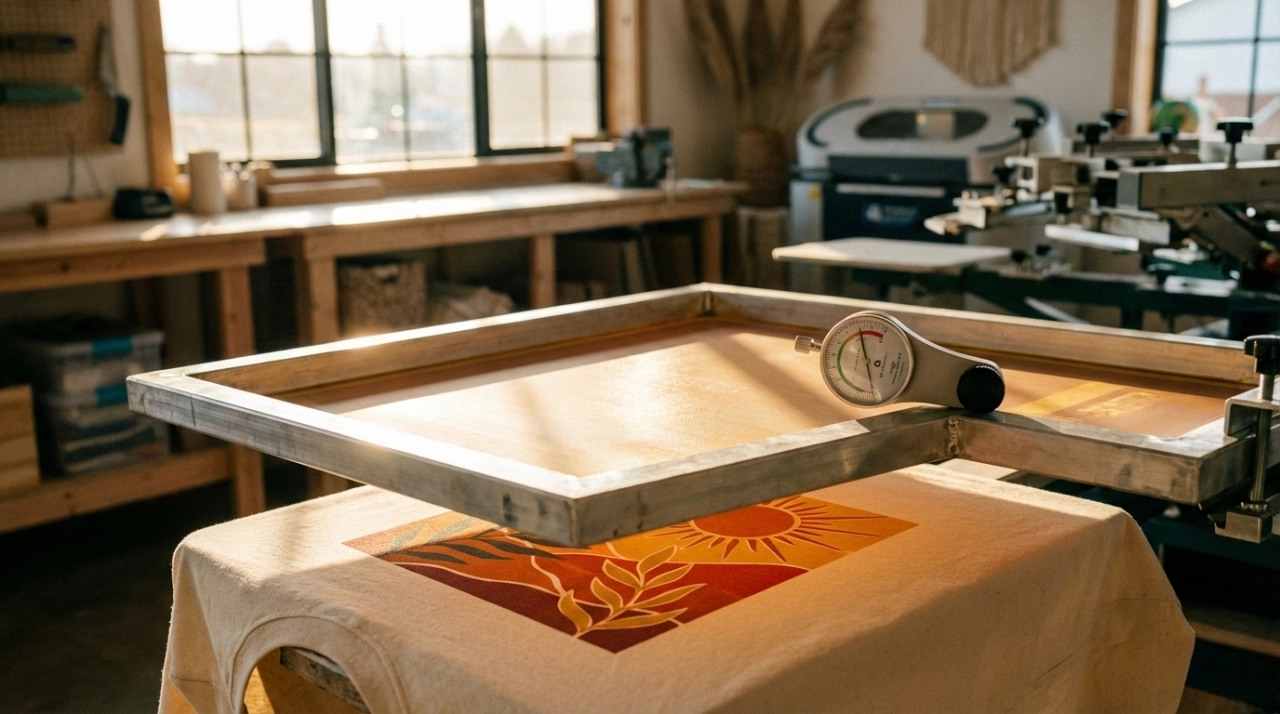
- Maintain Optimal Screen Tension: You check your screens regularly to ensure proper tension. This helps you avoid blurry or uneven prints.
- Control Environmental Conditions: You keep your screen room at a stable temperature and humidity. This ensures your emulsion dries evenly and your stencils stay strong.
- Standardize Screen Preparation Procedures: You use the same process for every screen. This reduces variability and improves repeatability.
- Implement Regular Maintenance and Quality Checks: You inspect your equipment and prints at every stage. Routine checks catch problems early and keep your standards high.
- Embrace Automation in the Screen Room: You rely on automated systems for precision. Automation reduces human error and boosts efficiency.
Note: Consistent quality checks and automated processes help you deliver flawless prints, even during busy production runs.
High-Volume Production
You meet large orders with confidence when you use modern industrial screen printers. Automation lets you handle high-volume production without sacrificing quality. You see impressive output rates and reliable accuracy.
- Modern rotary screen printers produce over 1,200 meters of fabric per hour. You keep up with demand and deliver on time.
- These machines maintain a print accuracy of 99.9%. You trust your prints to look sharp, even at high speeds.
- You notice a 28% increase in demand for automated printers since 2021. Custom orders in the textile industry drive this growth.
- You exceed 1,200 prints per hour with multicolor capabilities. You switch between batch sizes quickly and keep print resolution high.
- Automated systems reduce setup times by 40% compared to older flatbed printers. You start new jobs faster and keep your workflow moving.
| Feature | Benefit |
|---|---|
| High-Speed Output | Over 1,200 prints per hour |
| Print Accuracy | 99.9% consistency |
| Fast Setup | 40% reduction in setup time |
| Batch Flexibility | Quick transitions between orders |
Automation empowers you to scale your business, meet tight deadlines, and maintain top-notch quality in every print.
Applications Of Screen Printers Works
Textile And Apparel
You see industrial screen printers everywhere in the textile and apparel industry. These machines help you create custom designs on clothing and accessories. You can print logos, graphics, and patterns on t-shirts, hoodies, hats, and tote bags. You work with many types of fabric, including cotton, polyester, and blends. You choose the right ink and mesh for each material to get the best results.
- You print custom designs on t-shirts for sports teams and events.
- You add logos to hoodies and hats for schools and companies.
- You decorate tote bags with colorful graphics for shops and brands.
- You work with cotton, polyester, and blended fabrics to meet different customer needs.
You use screen printers to produce large batches of clothing quickly. You keep the quality high and the colors bright. You make sure every print looks sharp and lasts through many washes.
Footwear And Specialty Materials
You use industrial screen printers to decorate footwear and specialty materials. You print on shoes, sandals, and boots with detailed patterns and logos. You work with materials like leather, canvas, and synthetic fabrics. You choose inks that stick well and stay flexible.
You can print on curved surfaces and textured materials. This lets you create unique designs for fashion and sports shoes. You add branding to shoe tongues, sides, and soles. You use specialty inks for waterproof or glow-in-the-dark effects.
You also print on items like umbrellas, bags, and belts. You select machines with adjustable pallets and advanced registration systems. This helps you keep every print in the right place, even on tricky surfaces.
| Material | Common Applications | Printing Challenge |
|---|---|---|
| Leather | Shoes, belts, wallets | Ink adhesion |
| Canvas | Sneakers, bags | Surface texture |
| Synthetic fabric | Sports shoes, accessories | Flexibility, durability |
You see how screen printers help you expand your product range and offer custom options to your customers.
Quality Control In Screen Printing
Inspection Systems
You rely on inspection systems to catch errors before they reach your customers. Modern screen printing machines use cameras and sensors to check every print. These systems scan for defects like smudges, misalignment, or missing colors. You see problems right away and stop production to fix them. You use automated inspection to keep your prints sharp and professional.
- Cameras capture high-resolution images of each print.
- Sensors measure color density and registration.
- Software compares each print to your original design.
Tip: Automated inspection helps you spot issues early. You save time and reduce waste by fixing problems before they grow.
| Inspection Tool | What It Checks | Benefit |
|---|---|---|
| Camera System | Image clarity, alignment | Immediate feedback |
| Color Sensor | Ink density, consistency | Accurate color control |
| Registration Check | Layer alignment | Prevents misprints |
Consistency Checks
You want every print to look the same. Consistency checks help you reach this goal. You set up routines to inspect prints at regular intervals. You compare samples from each batch to your standard. You look for changes in color, sharpness, and placement.
You use checklists to guide your inspection. You record results and make adjustments if you see differences. You train your team to follow these steps for every job.
- Check color vibrancy and coverage.
- Inspect edges for clean lines.
- Measure placement and alignment.
- Compare prints to your approved sample.
Note: Consistency checks build trust with your customers. You deliver products that meet their expectations every time.
Troubleshooting
You face challenges in screen printing. Troubleshooting helps you solve problems quickly. You start by identifying the issue. You check your equipment, materials, and process steps. You use a step-by-step approach to find the cause.
Common problems include ink bleeding, uneven prints, or registration errors. You use guides and manuals to fix these issues. You adjust tension, change ink, or recalibrate your machine.
Here is a simple troubleshooting table:
| Problem | Possible Cause | Solution |
|---|---|---|
| Ink Bleeding | Low mesh tension | Tighten screen mesh |
| Uneven Prints | Squeegee pressure | Adjust squeegee angle |
| Misalignment | Poor registration | Re-align screens |
| Faded Colors | Incorrect curing | Check dryer temperature |
Quick troubleshooting keeps your production running smoothly. You learn from each issue and improve your process for the future.
You use inspection systems, consistency checks, and troubleshooting to maintain high standards in screen printing. You deliver quality products and build a strong reputation in your industry.
Solutions And Support
Technical Training
You gain confidence when you know how to use your equipment. Cnding provides technical training that helps you master every aspect of your screen printing machine. You learn from experienced instructors who guide you through setup, operation, and maintenance. Training sessions cover both basic and advanced topics. You practice on real machines, so you understand how to handle common tasks and troubleshoot issues.
You receive step-by-step instructions. You get hands-on experience with the touchscreen interface and learn how to adjust settings for different jobs. You also discover best practices for cleaning, safety, and routine checks. This training reduces mistakes and downtime. You work faster and produce better prints.
Tip: Take advantage of refresher courses. You keep your skills sharp and stay updated on new features.
After-Sales Service
You want reliable support after your purchase. Cnding offers a strong after-sales service system. You contact the support team by email or phone whenever you need help. You get quick answers to technical questions and guidance for solving problems. The service team helps you with spare parts, repairs, and software updates.
You benefit from a warranty on your machine. This warranty covers key components and ensures you get replacements if something goes wrong. You also receive remote support. Technicians can connect to your machine and help you fix issues without waiting for a site visit.
Here is what you can expect from cnding’s after-sales service:
| Service Feature | What You Get |
|---|---|
| Fast Response | Quick answers to your questions |
| Warranty Coverage | Protection for key machine parts |
| Remote Assistance | Help without waiting for a visit |
| Spare Parts Supply | Easy access to replacement parts |
Note: Good after-sales service keeps your production running smoothly and protects your investment.
Customization Options
You have unique needs in your printing business. Cnding understands this and offers customization options for your equipment. You choose the number of color stations, the size of the pallets, and special features that fit your workflow. You can request changes to software settings or add-ons for specific materials.
You work with cnding’s engineers to design a solution that matches your requirements. You get machines that fit your space and production goals. Customization helps you handle special projects and stand out in the market.
- You select features that boost your productivity.
- You adapt your machine for new products or materials.
- You improve efficiency with tailored solutions.
Customization gives you the flexibility to grow your business and meet changing demands.
You see that cnding’s solutions and support go beyond just selling machines. You get training, service, and customization that help you succeed. You build a partnership with a company that values your satisfaction and long-term success.