


What Should You Not Do When Screen Printing
When people first get into screen printing, it’s easy to think it’s all pretty straightforward: grab a screen, add some ink, press it through, and boom—you’ve got a print. But anyone who’s actually tried knows the truth: the little details can make or break your work. One small mistake can ruin an entire batch. Instead of learning the hard way, it’s better to know what not to do before you start. Here’s a list of common mistakes to avoid so your prints turn out clean and professional.
1. Don’t Start Without a Plan
Screen printing isn’t something you can just wing. Think of it like cooking a meal—you wouldn’t start without making sure you had the right ingredients and tools. Before you begin, know what you’re printing, what supplies you’ll need, how much you’ll be spending, and the order of your steps. Skipping this prep work often leads to running out of ink halfway through, using the wrong screen mesh, or fumbling through the process. A little planning up front saves a lot of frustration later.
2. Don’t Use the Same Screen for Every Job
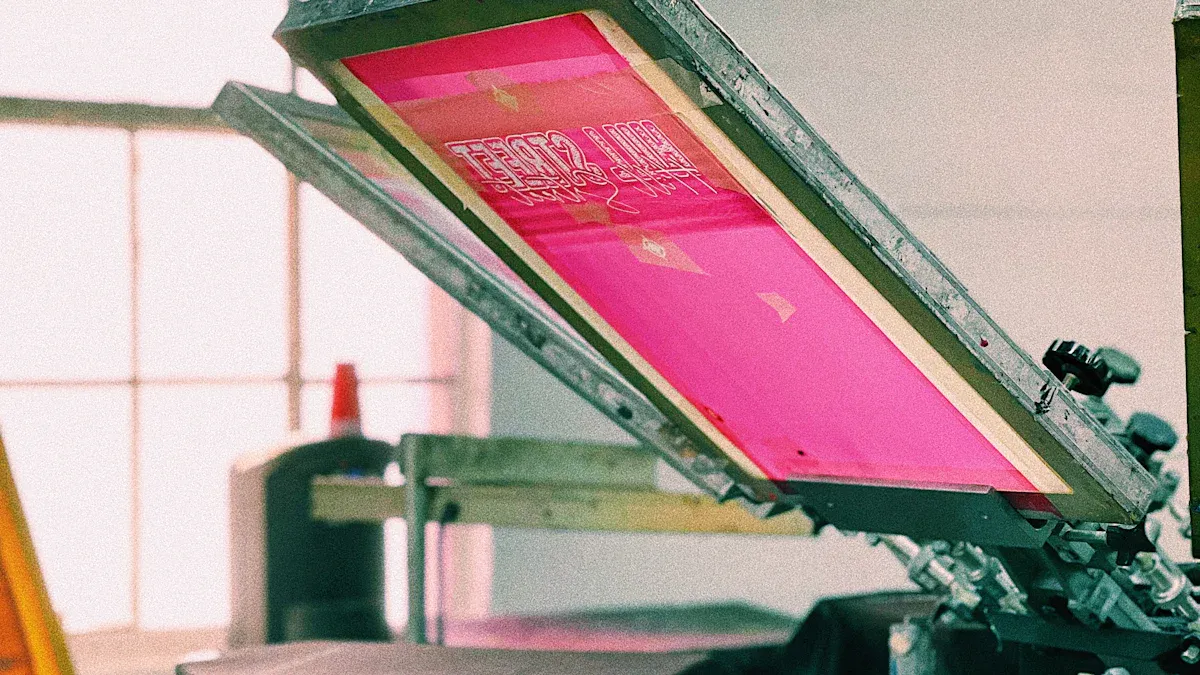
There’s no such thing as a “one-size-fits-all” screen. Different designs and inks call for different mesh counts. Thick inks or bold graphics do better with low mesh counts, while fine details need higher mesh counts. If you use the wrong one, your print can look blurry or the screen might clog. Choosing the right screen is like choosing the right paintbrush—it makes all the difference.
3. Don’t Skip the Test Print
Even if you know your design and process inside out, always do a test print first. Think of it as a dress rehearsal. It lets you check placement, color saturation, and sharpness before you commit to the full run. Skipping this step might seem like a time-saver, but it usually leads to wasted materials and a lot of rework.
4. Don’t Apply Too Much Pressure
When you’re pulling the squeegee, more pressure doesn’t mean a better print. Too much force can push ink where it doesn’t belong, leaving your design smudged or doubled. It also wears you out faster. The goal is even, steady pressure that lets the ink flow through smoothly. It takes some practice to find the right touch, but once you do, your prints will look sharper and more consistent.
5. Don’t Let Ink Dry in the Screen
This is especially true with water-based inks—they dry fast. If you leave ink sitting on your screen, it’ll dry and block the mesh, basically killing your print mid-run. To avoid this, lightly mist the screen with water during breaks or keep ink moving across the mesh so it doesn’t dry out. Keeping your screen moist will save you a lot of headaches.
6. Don’t Forget to Cure the Ink
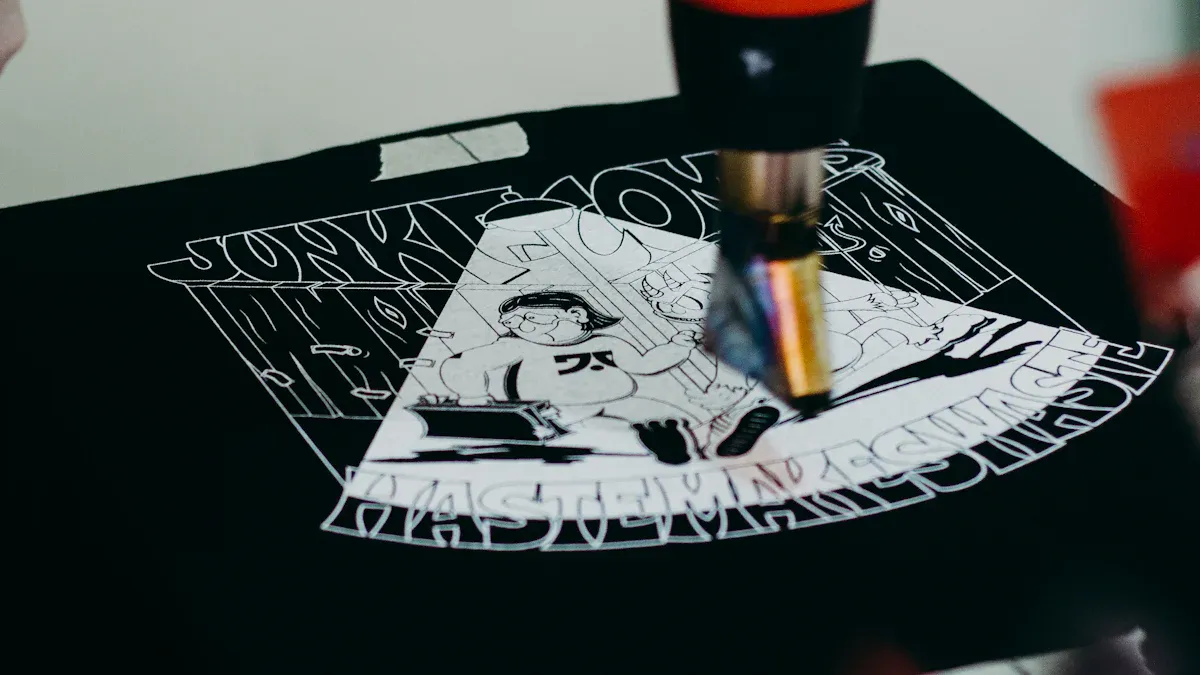
Drying and curing are not the same thing. Ink may feel dry to the touch, but if it’s not cured with heat, it won’t bond properly to the fabric or material. Skip this step and your prints will crack, fade, or wash out. The fix is simple: follow the ink manufacturer’s instructions and use a heat gun or curing unit to lock it in. That’s what makes your prints last.
7. Don’t Use Overly Complex or Detailed Artwork
Screen printing works best with bold, clean designs. Super detailed artwork can cause issues: thin lines often disappear on lower mesh counts, higher mesh counts may not lay down enough ink, and halftones can blur together. The result? A design that looks great on screen but falls flat in print. Keep the process in mind when creating your artwork so you don’t set yourself up for disappointment.
8. Don’t Skip Cleaning Your Screens
Leaving ink on your screen after a job is the fastest way to ruin it. Ink hardens over time, clogging the mesh and making the screen unusable. Always clean your screen immediately with proper cleaners and water, then let it dry before storing. This keeps your screens in good condition and ready for the next project.
9. Don’t Print on Dirty or Wrinkled Materials
Your substrate (shirt, paper, fabric, etc.) needs to be flat and clean. Wrinkles, dust, or dirt will keep the ink from sitting evenly, leaving you with spots, gaps, or distortions. Before printing, check your materials—iron them if needed or secure them with spray adhesive. A smooth, clean surface is key to a good print.
10. Don’t Print Over a Wet Underbase
When printing on dark fabrics, it’s common to lay down a white underbase first. But if you stack colors on top before that base is flash-dried, you’re asking for trouble. The wet white ink will stick to your next screen and cause colors to mix or designs to distort. Always flash dry the base layer so your colors stay crisp and separate.
Wrap-Up
Screen printing isn’t rocket science, but it does demand attention to detail. Most of the mistakes beginners make—like skipping test prints, ignoring curing, or using the wrong mesh—are totally preventable. The good news is once you know these pitfalls, you’ll start producing better prints right away.
Think of this list as your “red flag checklist.” Before each session, run through it and make sure you’re not about to repeat one of these common errors. Do that, and your learning curve will be much smoother—and your prints will look way more professional.
- 1. Don’t Start Without a Plan
- 2. Don’t Use the Same Screen for Every Job
- 3. Don’t Skip the Test Print
- 4. Don’t Apply Too Much Pressure
- 5. Don’t Let Ink Dry in the Screen
- 6. Don’t Forget to Cure the Ink
- 7. Don’t Use Overly Complex or Detailed Artwork
- 8. Don’t Skip Cleaning Your Screens
- 9. Don’t Print on Dirty or Wrinkled Materials
- 10. Don’t Print Over a Wet Underbase
- Wrap-Up