


Inkjet, Laser, and Digital Printing: What’s the Difference
Printing technology is the process of transferring text, images, and other information onto paper or other print media through specific methods. From ancient woodblock printing to modern digital printing, printing technology has undergone a long development journey. Currently, inkjet printing, laser printing, and digital printing have become the mainstream technologies in the market, each with its unique working principles, technical characteristics, and application scenarios.
Understanding the differences between these three printing technologies is crucial because it directly affects printing costs, output quality, printing speed, and suitable applications. Choosing the appropriate printing technology not only improves work efficiency but also saves significant costs for businesses while ensuring printed materials achieve the expected visual effect.
Inkjet Printing
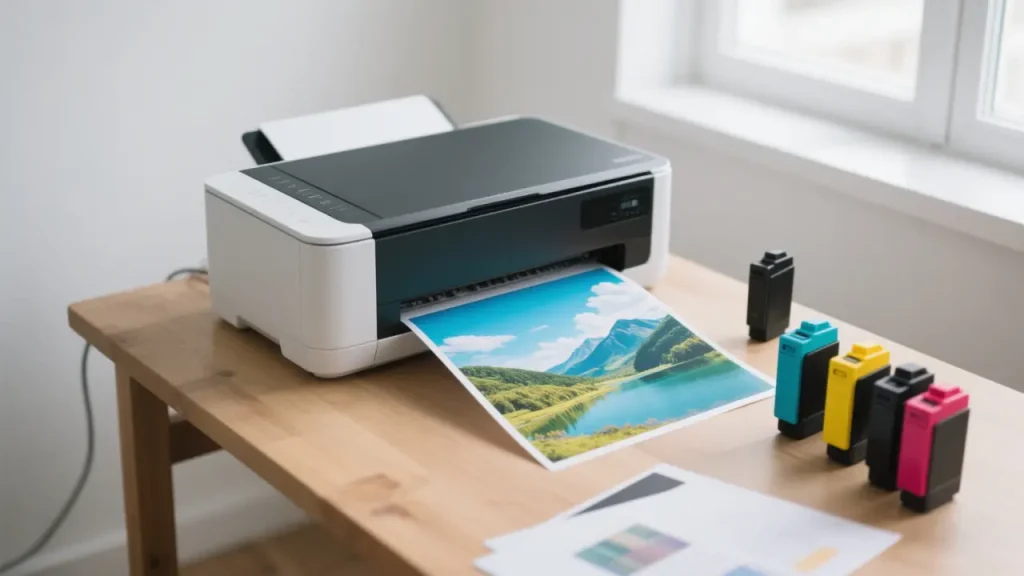
Inkjet printing is a technology directly controlled by computers, with its main feature being no printing plate, no pressure, and non-contact printing. The core principle of inkjet technology is precisely ejecting tiny liquid ink droplets through nozzles onto paper to form text and images. Based on different ink ejection methods, inkjet technology is mainly divided into two categories:
Continuous Inkjet Technology: Ink is continuously ejected from nozzles under the action of droplet generators, then charged through charging electrodes. In the deflection field, some droplets are collected by collectors for recycling, while others reach the printing surface to form images. This technology has a high response frequency suitable for high-speed printing but has a relatively complex structure.
Drop-on-Demand Inkjet Technology: Ink droplets are only ejected in areas where text and images need to be formed, with no ink ejected in blank areas. Drop-on-demand inkjet technology is further divided into two main types:
- Thermal inkjet (also known as bubble jet) uses heating elements to rapidly heat ink to over 300°C, forming bubbles that push out ink droplets.
- Piezoelectric inkjet uses the deformation of piezoelectric ceramics under an electric field to squeeze out ink droplets, offering more precise control suitable for high-precision printing.
Key Features
The main features of inkjet printing technology include:
- High-quality color output: Inkjet printers can produce vibrant colors with rich gradations, particularly suitable for photo printing with high color reproduction.
- Strong media adaptability: Can print on various materials, including regular paper, photo paper, canvas, fabrics, and more.
- High print resolution: Modern inkjet printers can achieve print resolutions up to 9600×2400 dpi, ensuring clear image details.
- Relatively slower printing speed: Compared to laser printing, inkjet printing is typically slower, especially in high-quality mode.
Advantages of Inkjet Printing
The advantages of inkjet printing technology are primarily reflected in the following aspects:
- Excellent color reproduction: Can produce vibrant, natural colors with rich image details, particularly suitable for photos and artwork.
- Low initial investment cost: Home and small office inkjet printers are relatively inexpensive, suitable for small-scale use.
- Wide media compatibility: Can print on various materials, including specialty papers, T-shirt transfer papers, and optical discs.
- High adaptability: Applications range from home photos to small commercial prints.
- No warm-up required: Ready to use immediately after powering on, with no warm-up time needed.
Disadvantages of Inkjet Printing
Inkjet printing technology also has some notable limitations:
- Higher cost per page: Ink is expensive, especially original cartridges, resulting in high long-term usage costs.
- Slow printing speed: In high-quality mode, printing speed is significantly slower than laser printing.
- Ink issues: Prone to nozzle clogging, ink bleeding, and other problems requiring regular maintenance.
- Poor durability: Printed materials are susceptible to moisture and fading, not suitable for important documents requiring long-term preservation.
- Cannot be left idle for long periods: Extended periods of non-use can lead to dried print heads and even damage.
Application Scenarios
Inkjet printing technology is most suitable for the following application scenarios:
- Home photo printing: High-quality photo output meeting family memory preservation needs.
- Artistic creation: Artists and designers using inkjet printers to output artwork and design drafts.
- Small-scale graphic design: Samples and small-batch production for small design studios.
- Personalized custom products: T-shirt printing, personalized gifts, custom greeting cards, etc.
- Educational field: Colored teaching materials and aids for schools and educational institutions.
Laser Printing
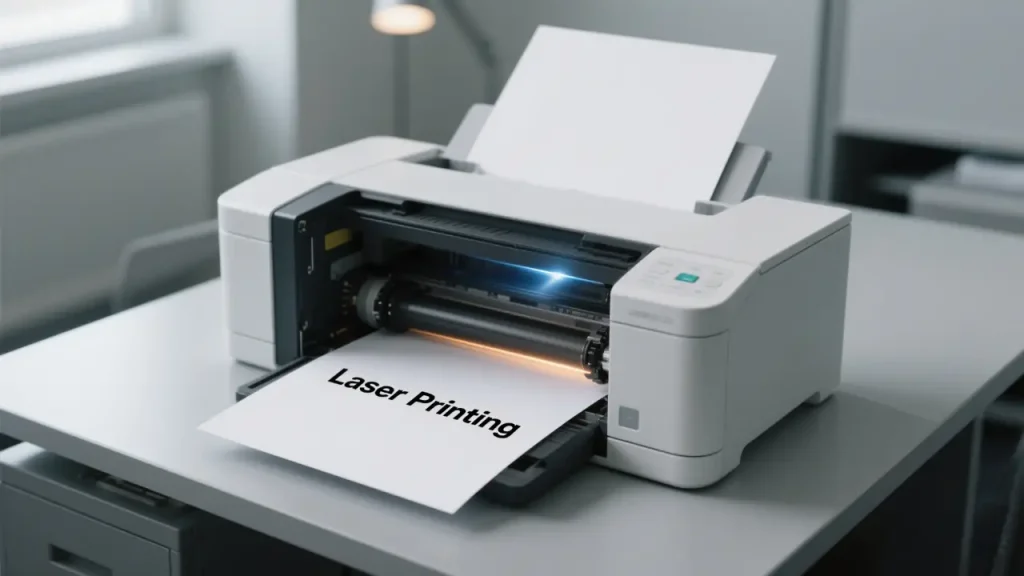
Laser printers combine laser scanning technology with electronic imaging technology to create non-impact output devices. Their working principle involves a complex and precise process:
- Charging: The photosensitive drum surface is uniformly charged.
- Exposure: The laser beam “draws” images on the photosensitive drum according to digital image information, causing the charge to disappear in the illuminated areas, forming an electrostatic latent image.
- Development: Charged toner is attracted to the electrostatic latent image areas on the photosensitive drum.
- Transfer: The toner image is transferred from the photosensitive drum to the paper.
- Fusing: The paper passes through heated rollers, melting the toner and permanently bonding it to the paper.
This process ensures that laser printers can quickly and accurately print text and images with consistent print quality.
Key Features
The main features of laser printing technology include:
- High-speed printing: Particularly suitable for text-intensive document printing, with commercial models capable of over 100 pages per minute.
- Sharp text output: Clear text edges and precise character outlines, ideal for printing documents and reports.
- High printing stability: Consistent print quality, unaffected by environmental factors such as humidity.
- Strong page processing capability: Can process entire page images at once without printing in strips.
- Typically monochrome or limited color options: Although color laser printers have become common, their color expression still falls short of inkjet printers.
Advantages of Laser Printing
The advantages of laser printing technology are primarily reflected in the following aspects:
- High cost-effectiveness for large-volume printing: Despite higher initial investment, the average cost per page is low, suitable for high-volume printing.
- Fast printing speed: Several times faster than inkjet printers, suitable for high-efficiency requirements in office environments.
- Stable print quality: Print results approach professional print quality with sharp, clear text.
- Good print durability: Toner-printed documents resist fading and water damage, with good long-term preservation.
- Low maintenance cost: Compared to inkjet printers, laser printers require less frequent maintenance and have longer service lives.
- Not affected by long idle periods: No issues like print head clogging even after extended periods of non-use.
Disadvantages of Laser Printing
Laser printing technology also has some notable limitations:
- High initial equipment cost: Laser printers typically cost more than equivalent inkjet printers.
- Limited color output quality: Color laser printers offer lower color expression and photo quality compared to inkjet printers.
- Limited media adaptability: Poor compatibility with specialty papers, not suitable for printing on special materials.
- Larger size: Compared to inkjet printers, laser printers are usually larger and occupy more space.
- High replacement cost for consumables: Although average costs are low, one-time replacement costs for toner cartridges are relatively high.
- Not suitable for carbon paper: Cannot use carbon paper to simultaneously print multiple document copies.
Application Scenarios
Laser printing technology is most suitable for the following application scenarios:
- Office document printing: Efficient printing of large volumes of text documents, reports, contracts, etc.
- High-volume printing needs: Schools, government agencies, and other locations requiring large print volumes.
- Professional document production: Professional reports and publications requiring high-quality text output.
- Business communication materials: Batch printing of letters, invoices, bills, and other business communication materials.
- Small and medium enterprise printing: Internal documents, training materials, and other daily business printing needs.
Digital Printing
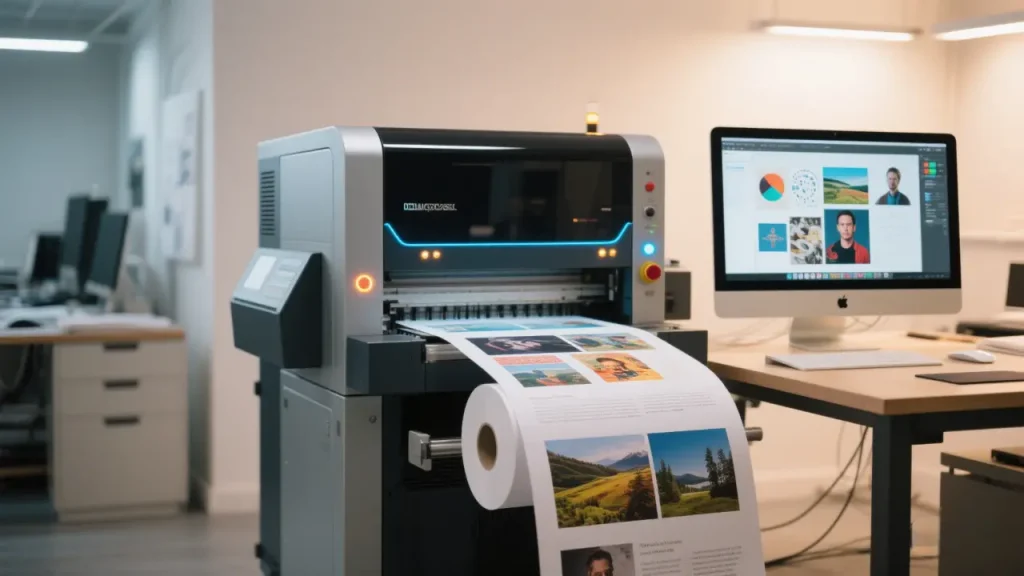
Digital printing is a technology that directly transfers digital image files to print media without the traditional offset printing plate-making process. It’s typically based on inkjet or laser technology but differs significantly in workflow and application scenarios:
- Data processing: Digital files are transmitted directly to printing equipment without intermediate conversion.
- Plateless printing: No need to create printing plates, greatly shortening preparation time.
- Variable data: Each printed piece can contain different content, enabling personalized customization.
- On-demand printing: Printing can be done according to actual needs, reducing inventory and waste.
Digital printing technology combines features of both inkjet and laser technologies while adding more advanced workflow and data processing capabilities.
Key Features
The main features of digital printing technology include:
- Quick setup and delivery: Short turnaround time from file to finished product, suitable for urgent orders.
- Variable data printing capability: Each printed piece can contain different text, images, or barcodes, enabling true personalization.
- Small-batch economics: Suitable for small-batch printing without meeting the minimum order quantities of traditional printing.
- High automation: The entire process from file processing to print completion is highly automated.
- Precise color management: Advanced color management systems ensure color consistency and accuracy.
Advantages of Digital Printing
The advantages of digital printing technology are primarily reflected in the following aspects:
- Short cycle: No plate-making required, greatly reducing time from design to finished product.
- High cost-effectiveness for small batches: Suitable for print runs of 50-5000 copies, with unit costs independent of print quantity.
- High customization: Can produce personalized marketing materials, on-demand books, and other customized products.
- Real-time modification capability: Content can be modified even during the printing process without causing material waste.
- Convenient digital connection: Direct integration with customer systems simplifies order processing and file transfer.
- Reduced inventory and waste: On-demand printing reduces overproduction and inventory buildup.
Disadvantages of Digital Printing
Digital printing technology also has some notable limitations:
- High cost for large volumes: When print quantities are very large, unit costs exceed traditional offset printing.
- Color stability challenges: May experience color shifts, with batch-to-batch consistency less stable than offset printing.
- Paper limitations: Often requires specially designated paper specifications and types.
- Size limitations: Print dimensions are typically limited, not suitable for large-format printed materials.
- Large equipment investment: High-quality digital printing equipment is expensive with rapid technological updates.
Application Scenarios
Digital printing technology is most suitable for the following application scenarios:
- On-demand publishing: On-demand printing of small-batch books, magazines, and reports.
- Marketing materials: Personalized direct mail, brochures, product catalogs, and other marketing materials.
- Personal custom products: Personal art and photography collections, personalized invitations, certificates, etc.
- Variable data printing: Bills, invitations, membership cards, and other items containing personalized information.
- Sample and prototype production: Rapid production of packaging, label samples, and prototypes.
- Short-term promotional materials: Time-sensitive promotional posters, event publicity materials, etc.
Key Differences Between the Three Printing Technologies
Technical Principle Comparison
| Technology Type | Basic Principle | Imaging Method | Technical Characteristics |
|---|---|---|---|
| Inkjet Printing | Liquid ink droplet ejection | Ink droplets directly sprayed onto print media | Non-contact, no pressure, high adaptability |
| Laser Printing | Electrostatic imaging and toner transfer | Laser forms electrostatic latent image on photosensitive drum, toner adheres through electrostatic attraction | High-speed, high-precision, good stability |
| Digital Printing | Direct digital-to-print | Based on inkjet or laser technology but with different workflow | Plateless, variable data, on-demand printing |
Speed and Efficiency Comparison
In terms of printing speed, each technology has its advantages:
- Laser Printing: Fastest for text-intensive documents, with commercial models capable of over 100 pages per minute, suitable for large-batch office documents.
- Inkjet Printing: Relatively slower, especially in high-quality mode, but sufficient for home and small office environments.
- Digital Printing: Speed falls between traditional printing and office printing, but offers the shortest total time from design to finished product, suitable for quick delivery.
Cost Structure Comparison
Cost is a key factor in choosing printing technology:
- Inkjet Printing: Low initial equipment cost but high per-page printing cost with expensive ink, suitable for low-volume scenarios.
- Laser Printing: High initial equipment cost but low per-page printing cost, most economical for large-volume printing.
- Digital Printing: High cost-effectiveness for small batches (typically 50-5000 copies) with unit price independent of quantity, but higher costs than traditional offset printing for large volumes.
Print Quality Comparison
Different technologies excel in different aspects of print quality:
- Inkjet Printing: Vibrant colors with rich gradations, best for photo printing, though text clarity may not match laser printing.
- Laser Printing: Sharp, precise text and lines, best for black and white documents, but color photo effects fall short of inkjet.
- Digital Printing: Quality between professional offset printing and office printing, capable of high-quality commercial printed materials but may show subtle differences between batches.
Print Media Compatibility Comparison
Different technologies have varying adaptability to print media:
- Inkjet Printing: Most adaptable, can print on various papers, fabrics, plastics, and other materials.
- Laser Printing: Primarily suitable for standard papers with limited compatibility for special materials.
- Digital Printing: Wider media selection than traditional offset printing but typically requires specially designated paper types.
Application Scenario Comparison
Each technology has advantages in different application scenarios:
- Inkjet Printing: Home photos, creative projects, artwork, small-scale diverse printing.
- Laser Printing: Office documents, large-volume text, professional reports, business communication materials.
- Digital Printing: Personalized marketing materials, short-run printing, on-demand publishing, variable data printing, sample production.
How to Choose the Right Printing Technology
Choosing the appropriate printing technology requires considering multiple factors, including budget, print volume, quality requirements, media type, and delivery time. Here are recommendations for different user groups:
Selection Guide for Home Users
For home users, consider the following when choosing printing technology:
- Usage frequency: If print volume is small, not exceeding 100 pages per month, an inkjet printer is an economical choice.
- Print content: If primarily printing photos and color content, inkjet printers offer superior color expression.
- Long-term cost: Consider ink or toner replacement costs and printer lifespan.
- Space limitations: Home environments typically have limited space, making compact inkjet printers more suitable.
- Multifunction needs: Consider whether scanning, copying, and other additional functions are needed.
Recommended choice: For occasional document printing and frequent photo printing, a multifunction inkjet printer is the best choice for home users.
Selection Guide for Small Offices
Small offices or small businesses should consider the following when choosing printing technology:
- Monthly print volume: If monthly print volume is between 500-1000 pages, laser printers offer lower long-term costs.
- Print speed requirements: If frequently needing to quickly print large volumes of documents, laser printers offer higher efficiency.
- Document type: For offices primarily printing text documents and business reports, laser printers offer better text clarity.
- Color needs: If color printing needs are limited, a combination of a black and white laser printer plus a small inkjet printer may be more economical.
- Network functionality: Consider whether network printing, cloud printing, and other functions are needed.
Recommended choice: For small offices primarily printing documents, a laser printer is the best choice; if there are limited high-quality color printing needs, consider adding a small inkjet printer.
Selection Guide for Professional Printing Needs
For design studios, marketing departments, or businesses requiring professional printed materials:
- Print quantity: If 50-5000 copies are needed, digital printing is the most cost-effective choice.
- Personalization needs: If personalized content or variable data is required, digital printing offers irreplaceable flexibility.
- Delivery time: If time is tight, digital printing’s quick turnaround capability is a key advantage.
- Print quality: If quality approaching traditional offset printing is needed, high-end digital printing equipment can meet requirements.
- Special materials: If printing on special materials is needed, choose professional equipment suitable for those materials.
Recommended choice: For professional users needing small-batch, high-quality, quick-delivery, or personalized printed materials, digital printing is the best choice.
Recommendations for Optimizing Printing Costs and Quality
Regardless of which printing technology you choose, the following recommendations can help optimize costs and quality:
- Properly assess needs: Accurately assess print volume and quality requirements to avoid overinvestment or insufficient capability.
- Consider total ownership cost: Consider not just initial equipment price but also consumables, maintenance, and power costs.
- Choose appropriate consumables: Using high-quality consumables matched to your equipment can extend equipment life and ensure print quality.
- Regular maintenance: Performing regular maintenance as recommended by manufacturers can improve equipment performance and lifespan.
- Set appropriate print parameters: Choose suitable print quality and speed settings based on actual needs to balance quality and cost.
- Consider outsourcing options: For special or large-volume printing needs, consider outsourcing to professional print service providers.
Conclusion
Inkjet, laser, and digital printing technologies each have their unique advantages and suitable application scenarios. Inkjet printing, with its excellent color reproduction and media adaptability, is the first choice for home users and creative professionals; laser printing, with its high efficiency and economy, dominates office environments; while digital printing, with its flexibility and personalization capabilities, brings innovation to the modern printing market.
Choosing the right printing technology affects not only cost-effectiveness but also directly impacts work efficiency and output quality. By thoroughly understanding the principles, features, advantages, disadvantages, and application scenarios of various printing technologies, users can make informed choices based on their needs, achieving the optimal balance between print quality and cost.
If you have any questions about choosing the most suitable printing technology for your needs or require further consultation, please feel free to contact me by email at any time.